
|
How do I add tracking code or JavaScript to Thrive Architect?
Here’s how to add your tracking code to a Thrive Architect page …
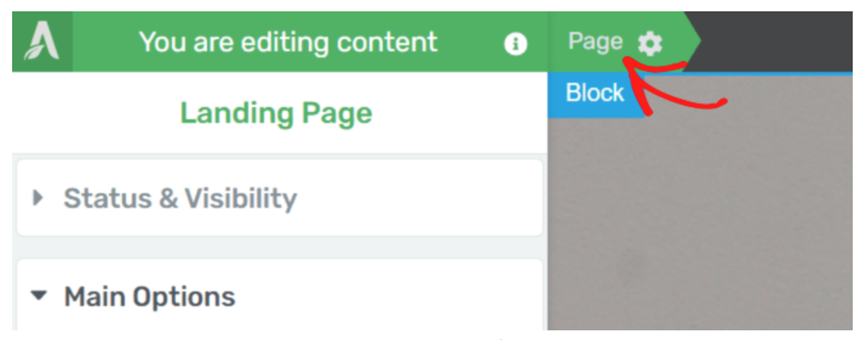
1. Open your landing page in Thrive Architect and click Page in the top navigation bar
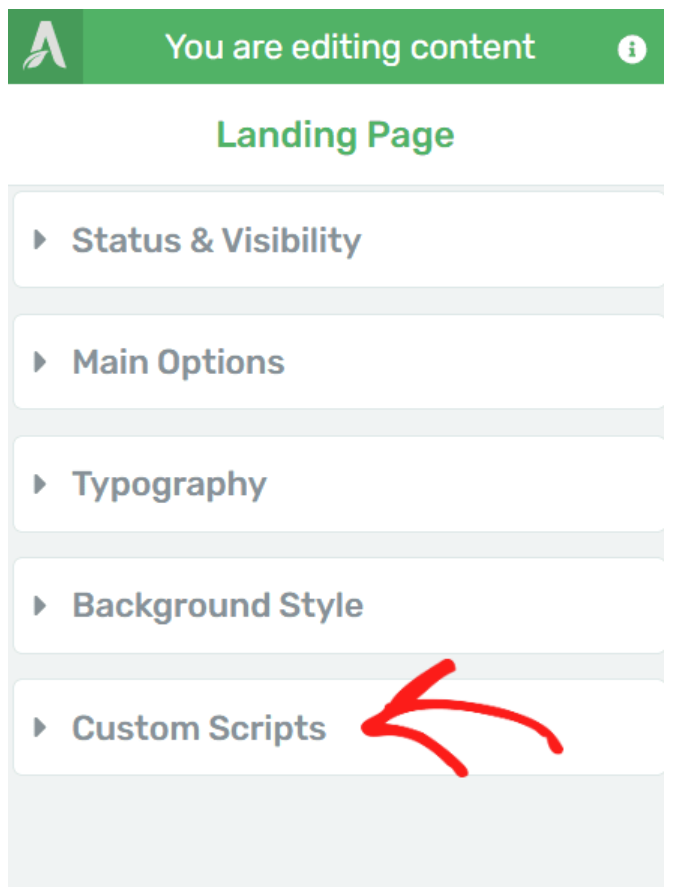
2. Scroll down the left column and click Custom Scripts
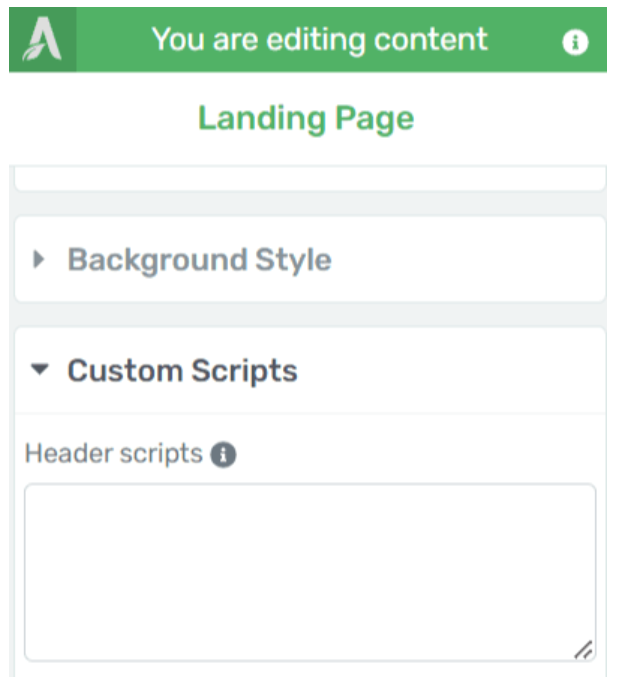
3. After clicking Custom Scripts you’ll see dedicated boxes allowing you to enter custom scripts in the header, body header or body footer. You want to add your tracking code to the Header, so paste it in that box
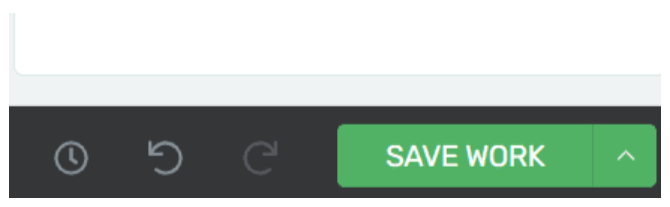
4. When you’re done, don’t forget to click the Save Work button
Article 589 Last updated: 03/24/2025 3:37:11 PM
https://www.clickmagick.com/kb/?article=589