
|
How do I add tracking code or JavaScript to Kajabi?
Here’s how to add your tracking code to a Kajabi page …
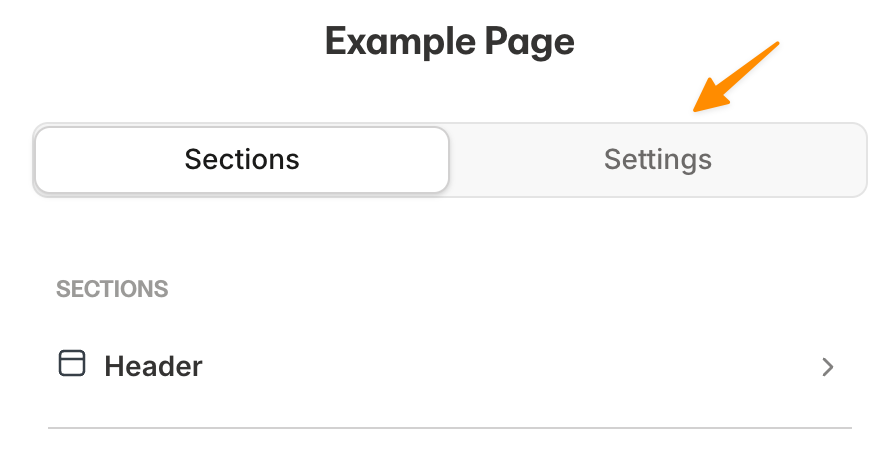
1. Go into the editor for the page you want to add the tracking pixel or JavaScript code to and click on “Settings”
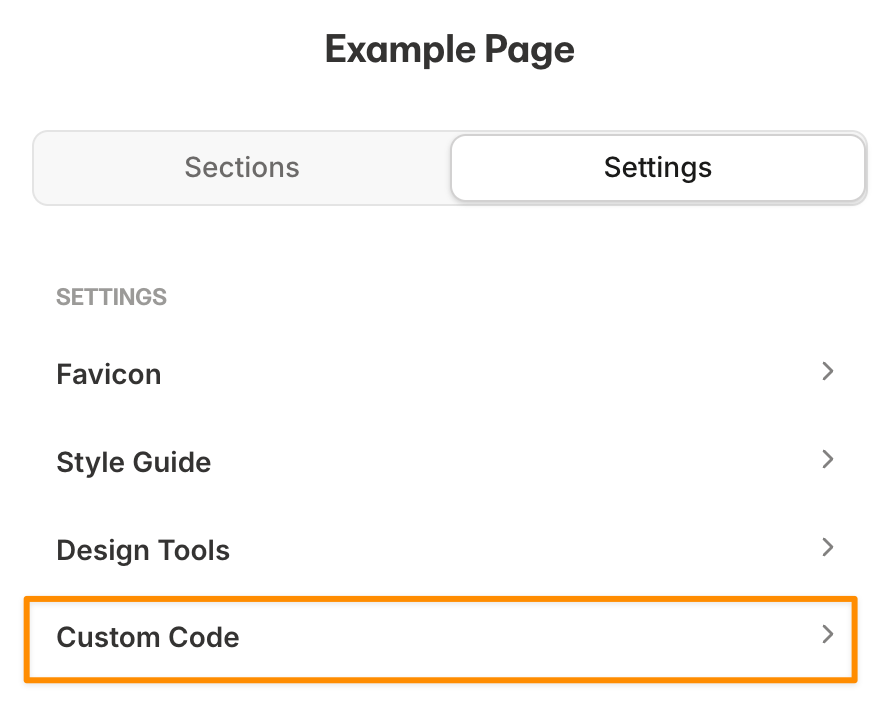
2. Click on “Custom Code”
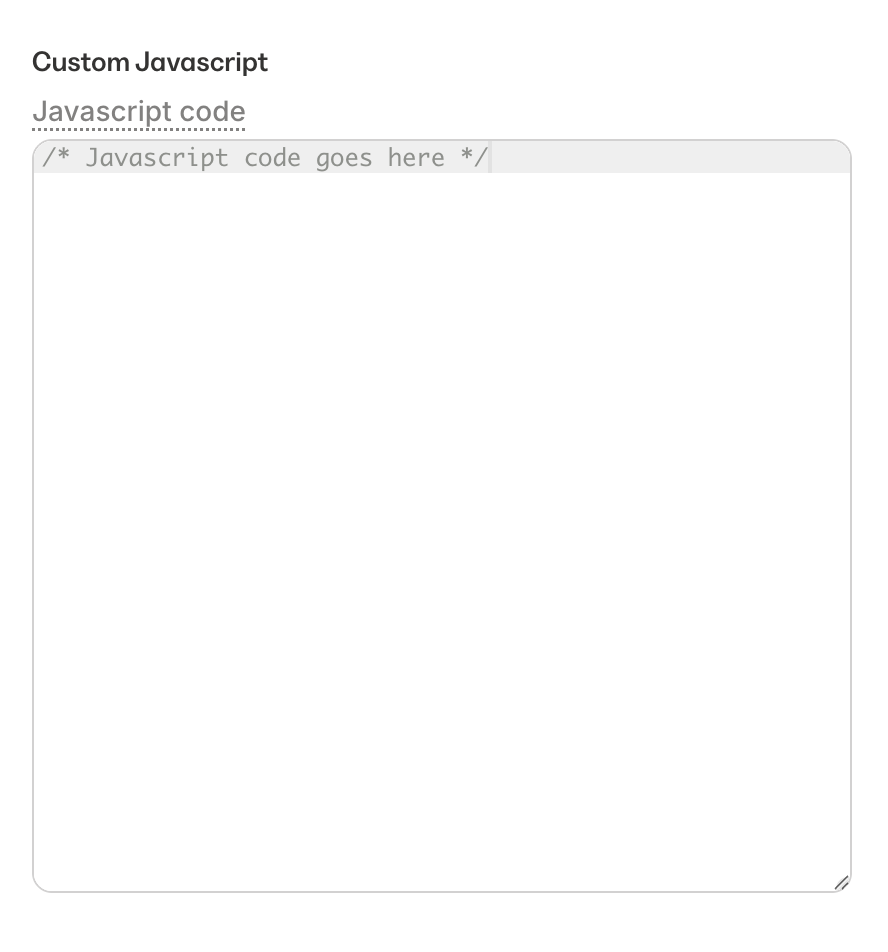
3. Paste the code in the “Custom JavaScript” field.
Note: Due to a bug inside of Kajabi, you need to remove the opening
</script> tag when pasting your tracking code. Article 1054 Last updated: 10/31/2025 1:12:59 AM
https://www.clickmagick.com/kb/?article=1054