
|
How do I add tracking code or JavaScript to Unbounce?
Here’s how to add your tracking code to an Unbounce page …
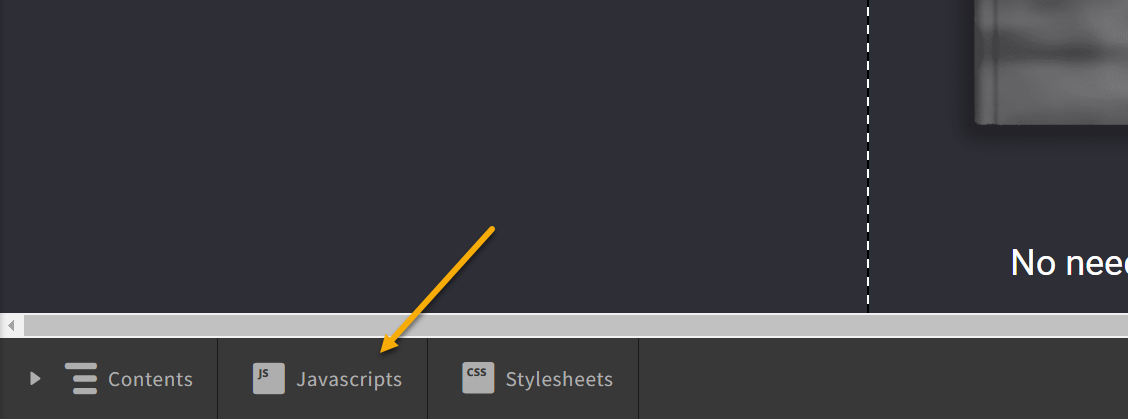
1. Use Unbounce’s Script Manager which you can find in the bottom left corner of the Landing Page Editor:
2. Give the script a name, select “Head” for the placement, and make sure you uncheck the “Soft Wrap” box on the right side of that window:
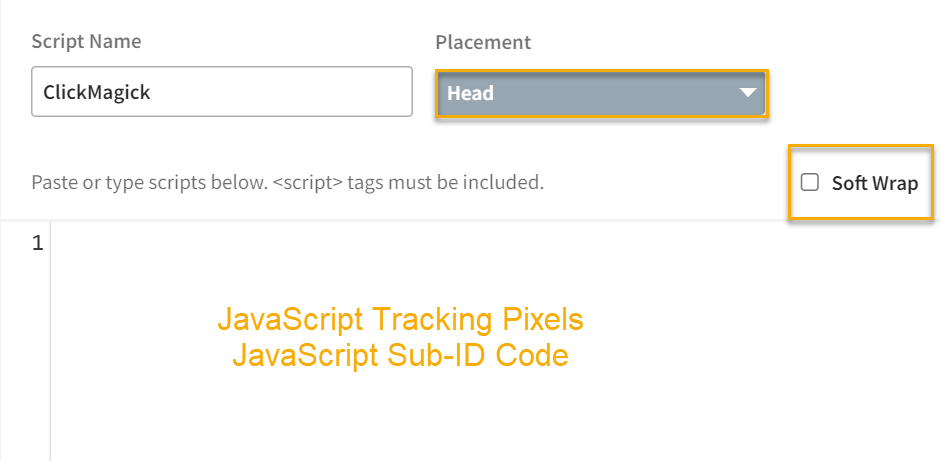
3. Paste your tracking code into the box. Don’t forget to save!
Article 675 Last updated: 03/24/2025 5:25:21 AM
https://www.clickmagick.com/kb/?article=675