
|
How do I rename a Smart Link or Rotator?
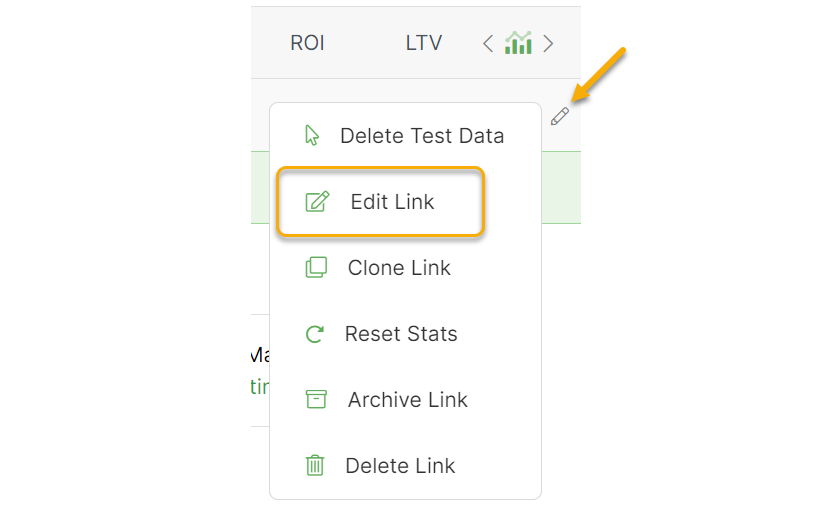
To rename a Smart Link or Rotator, click on the Edit menu to the right of the Smart Link or Rotator and choose the “Edit Link” or “Edit Rotator” option. You can then change the name of the Smart Link or rotator or make any other changes you’d like.
Article 287 Last updated: 09/15/2025 3:29:08 PM
https://www.clickmagick.com/kb/?article=287