
|
What does the Referrer column mean?
The Referrer column shows the URL of the web page that the click originated from. Hover your mouse over the link icon to see the originating link. You can also click “View” to see the page for that link:
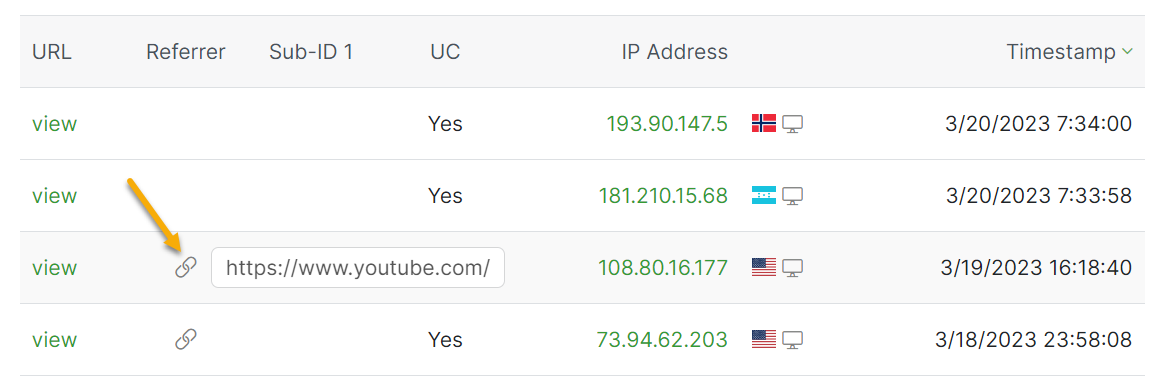
While the Referrer information might seem ideal for determining where your traffic is coming from, there are much better ways to do this, mainly because the Referrer information is not passed in a few common scenarios:
| 1. | If the visitor enters a Smart Link directly into a browser’s address bar, no Referrer information will be passed with the click. |
| 2. | If the link is in an email message, clicking on it will not pass any Referrer information since there’s no website involved. It’s possible that a web-based email system could pass Referrer information, but generally speaking, links in email messages don’t provide this information. |
| 3. | Finally, secure websites are not allowed to pass Referrer information unless it is to another secure site, and then only under specific circumstances. |
Note: If no Referrer information is passed with the click,
N/A will be shown in the Referrer column.Article 339 Last updated: 09/15/2025 2:40:53 PM
https://www.clickmagick.com/kb/?article=339