
|
How do I add tracking code or JavaScript to Builderall?
Here’s how to add your tracking code to a Builderall page ...
| 1. | Go to the Builderall page where you want to add your tracking code, then click on the three dots in the bottom-right corner of the editor and click on “Settings”: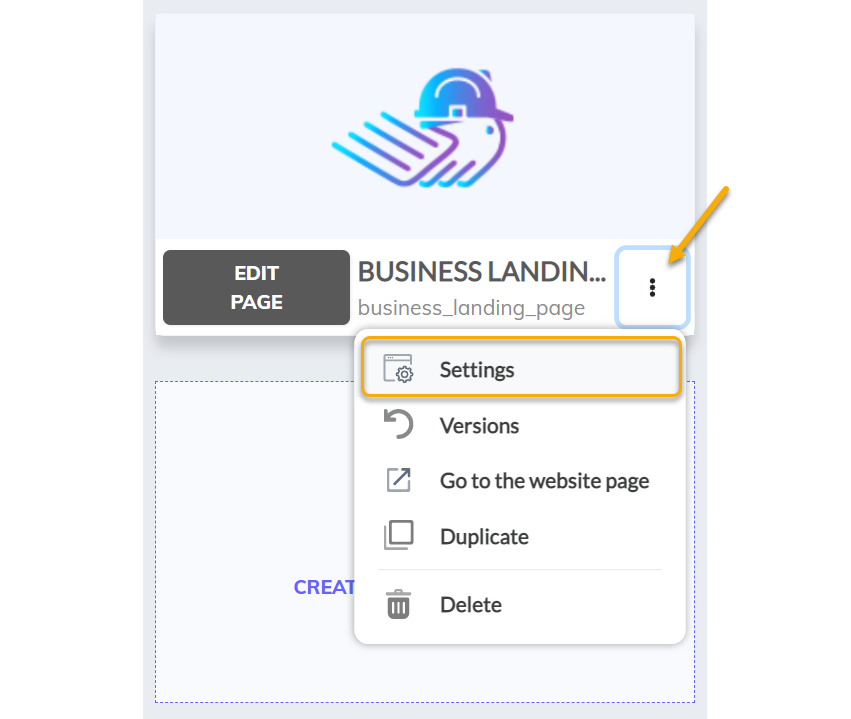
|
| 2. | Scroll down until you see “Page Script” and add the tracking pixel in the box shown: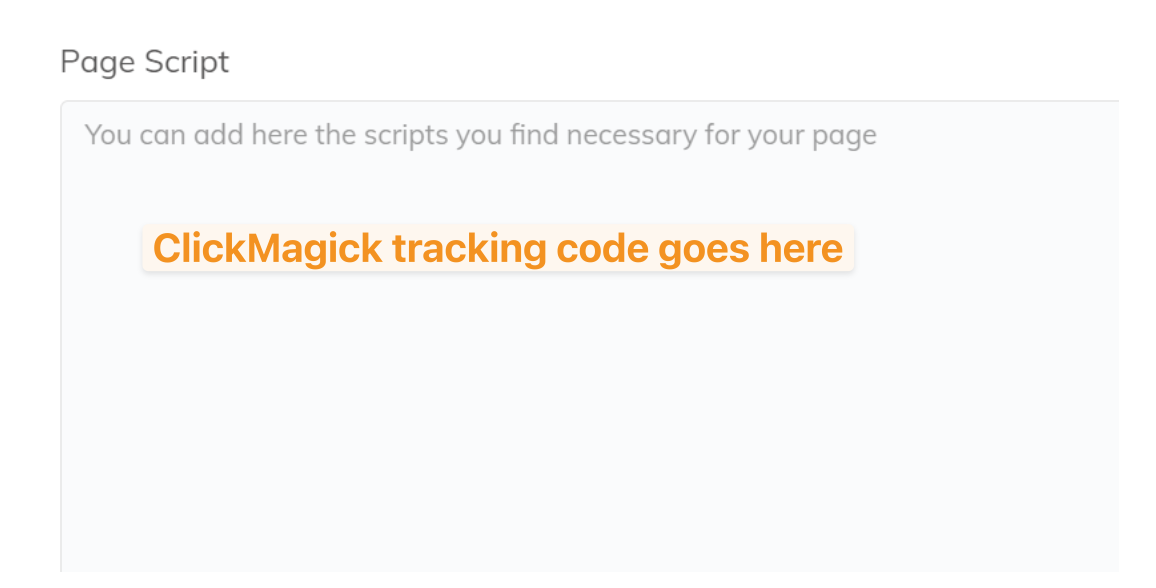
|
| 3. | Click save. |
And that’s it! You’ve now added your click tracking code to your landing page in Builderall.
Article 413 Last updated: 07/01/2025 10:53:48 PM
https://www.clickmagick.com/kb/?article=413