
|
How do I set the default time zone for my stats?
You can set the default time zone for your stats in your Account Settings. Simply go to the Account menu , then click on “Settings” and you’ll find your default Time Zone setting right near the top.
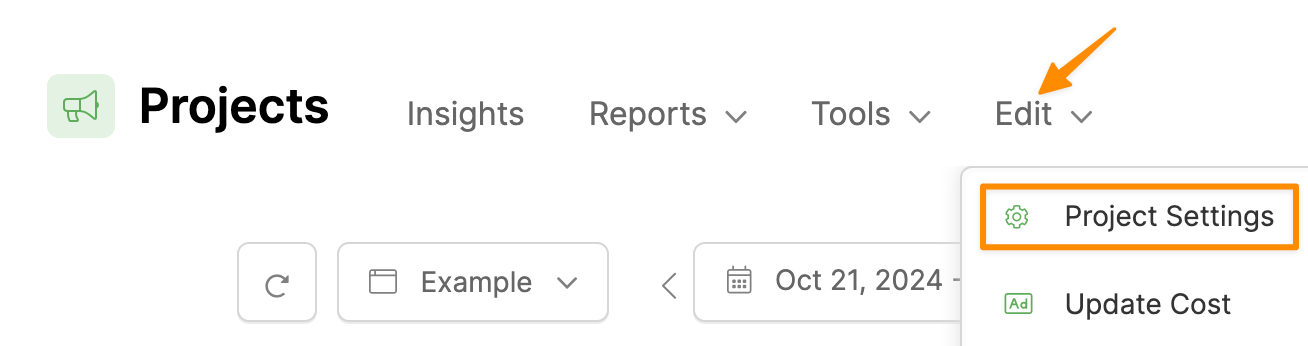
If you want, you can also override your account’s default time zone and set any time zone you want for each of your Projects. New Projects will default to your account time zone, but you can set a different time zone when you create a new Project, or edit an existing Project’s settings and change the time zone at any time.
Article 395 Last updated: 10/22/2025 12:26:31 AM
https://www.clickmagick.com/kb/?article=395