
|
How do I add tracking code or JavaScript to Instabuilder?
Here’s how to add your tracking code to an Instabuilder page …
| 1. | Click on the Settings button in the upper-right corner of the page to open the Settings menu. |
| 2. | Choose “Scripts/Codes” from the menu. |
| 3. | Paste your ClickMagick tracking code in the head section.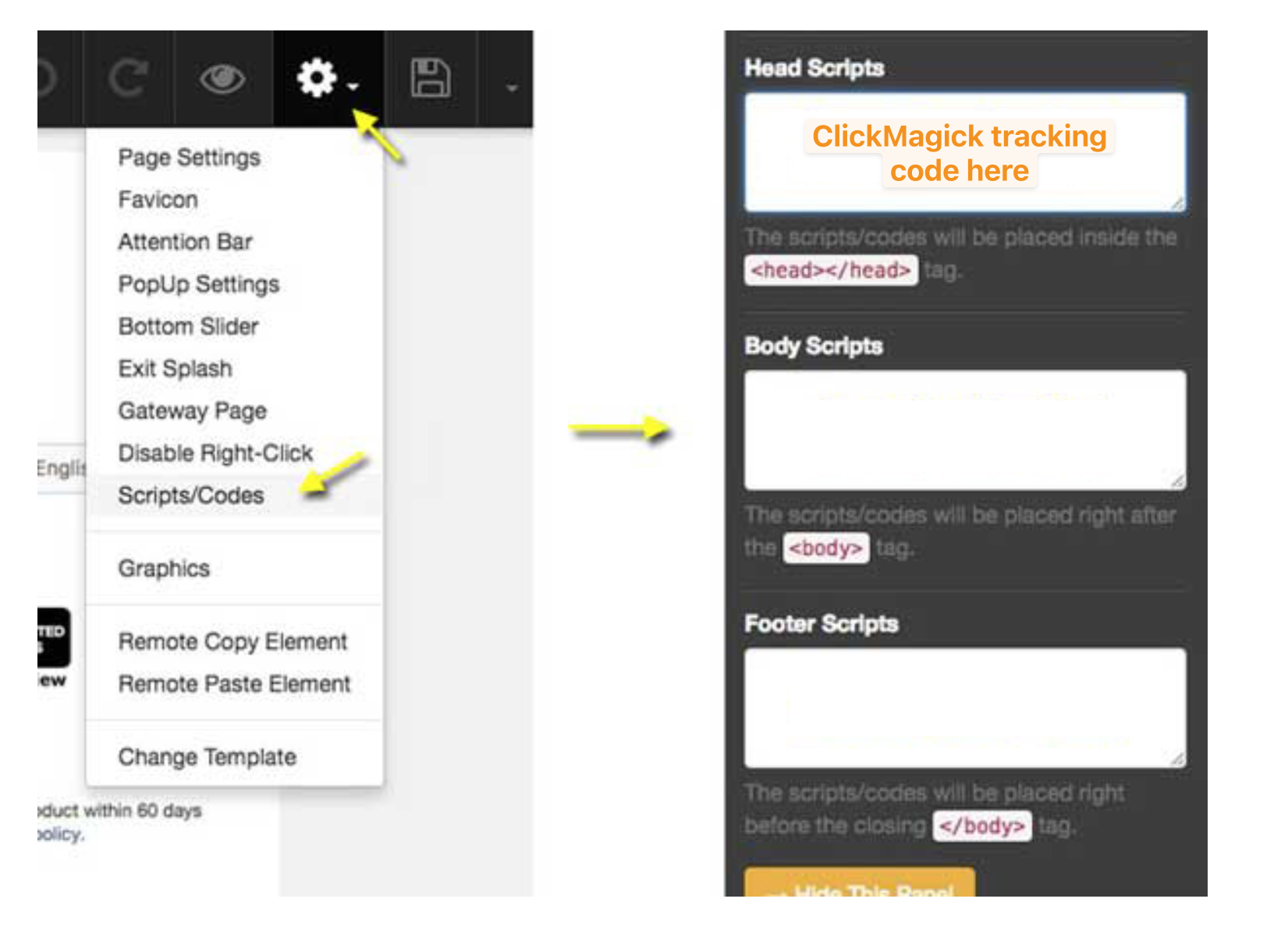
|
Article 676 Last updated: 07/01/2025 11:42:03 PM
https://www.clickmagick.com/kb/?article=676