
|
What should I know if my Wordpress site uses WPRocket?
WP Rocket is a popular WordPress caching plugin, often included as part of certain themes as well as used on its own.
If you are using WPRocket on your site, you'll need to add ClickMagick as an exception to your plugin's settings, so that your Click Tracking Code and Conversion Tracking Code work correctly.
To do that, follow these steps:
- In your WordPress dashboard, click on WP Rocket in the left sidebar.
- Choose "File Optimization"
- Copy the following exceptions exactly as below:
[CODE-DOMAIN]
clickmagick
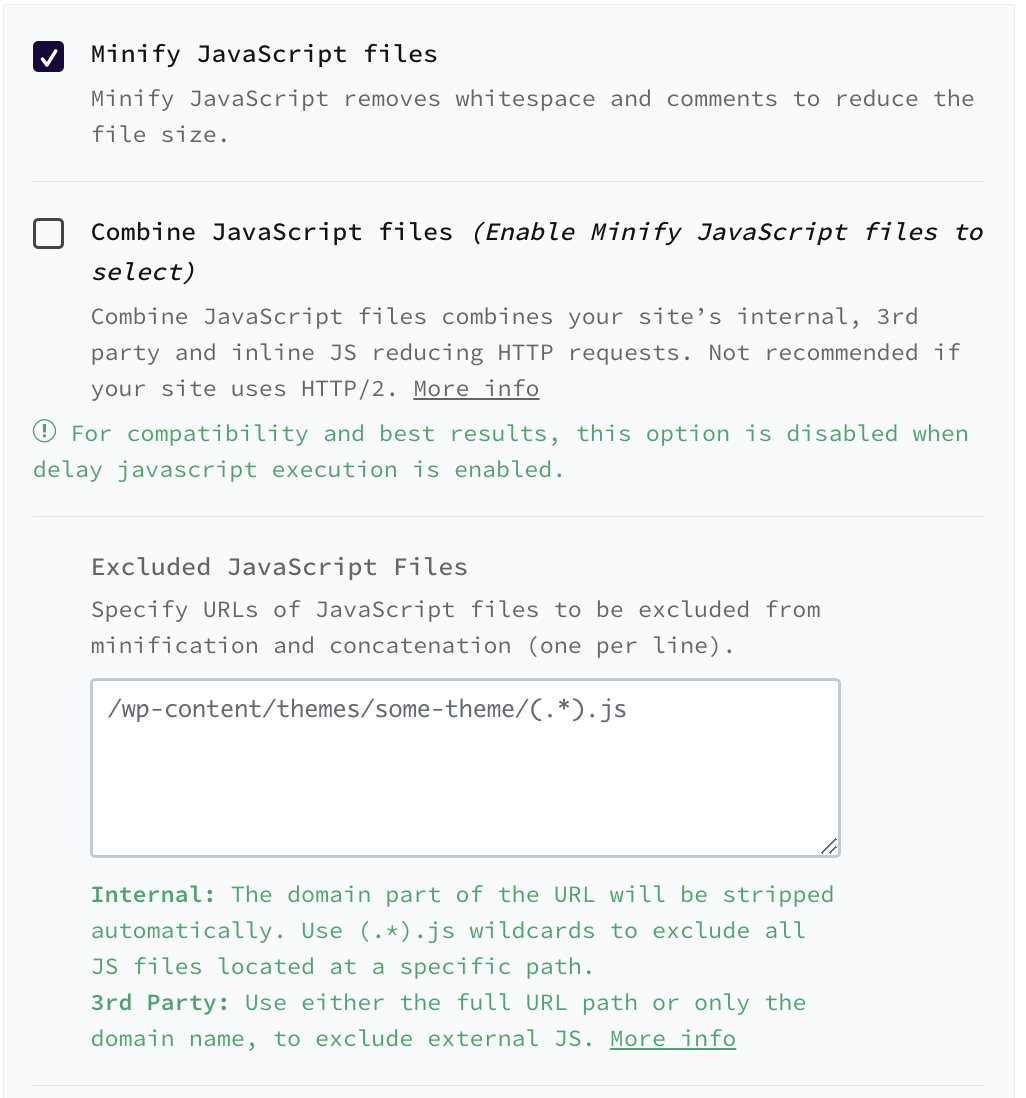
[CODE-FILENAME].js - Find the Minify JavaScript files setting, and paste the exceptions you copied to the "Excluded Javascript Files" box.
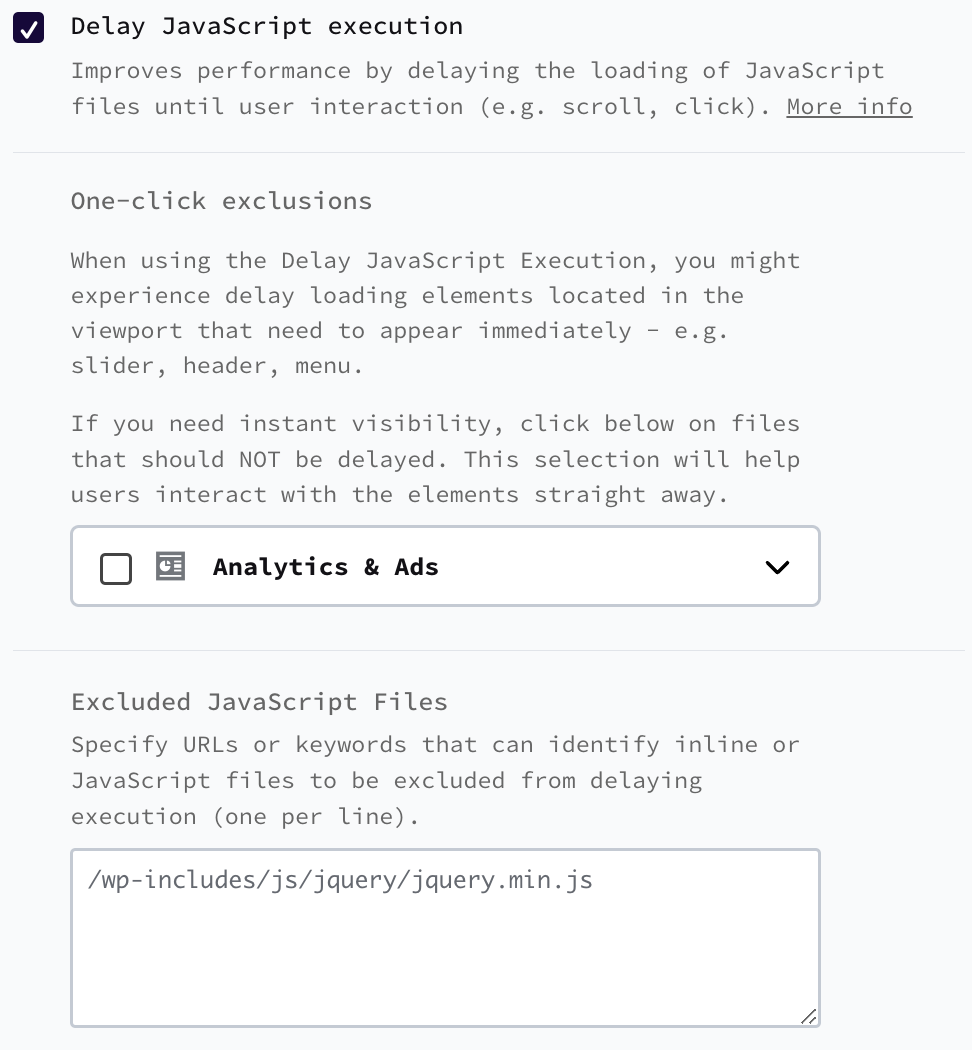
- Find the Delay JavaScript execution setting, and paste the exceptions you copied to the "Excluded Javascript Files" box.
- Save your changes, and click on WP Rocket in the left sidebar again. From the WP Rocket dashboard, click on the "Clear & Pre-Load Cache" button to reload your site's cache.
Note: Even after tweaking your settings as described above, the alert you see in ClickMagick will remain to always remind you about this important requirement when using WP Rocket on any of your websites. Once you’ve made the change above you can safely ignore the alert and continue.
Article 906 Last updated: 03/25/2025 3:32:08 PM
https://www.clickmagick.com/kb/?article=906