
|
How do I download or export data from ClickMagick?
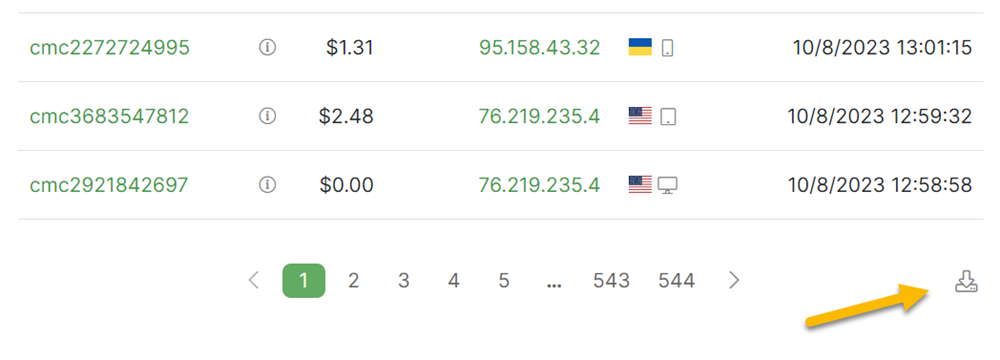
For your Projects, you can download raw data for all of your Clicks, Actions, Engagements or Sales. Just navigate to the log of the data you’re interested in, then click the Download CSV icon in the bottom right of the page ...
You can also use the ClickMagick API to programmatically export your data as well. Start here:
How do I get started with ClickMagick's API?
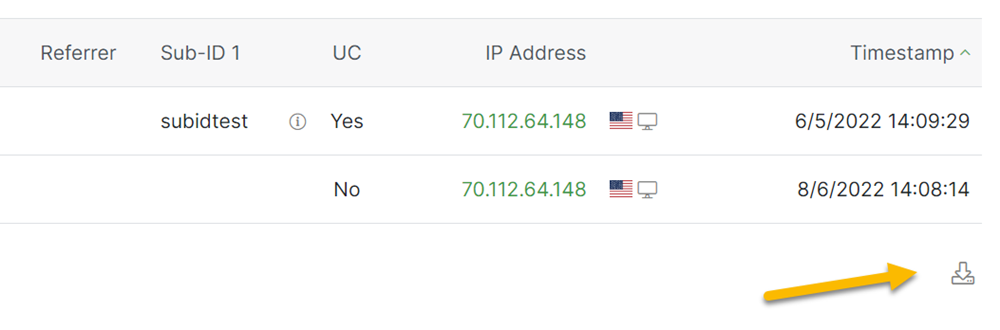
For a Smart Link, you can download raw data for all of your Clicks, Actions, Engagements or Sales. Just navigate to the log of the data you’re interested in, then click the Download CSV icon in the bottom right of the page …
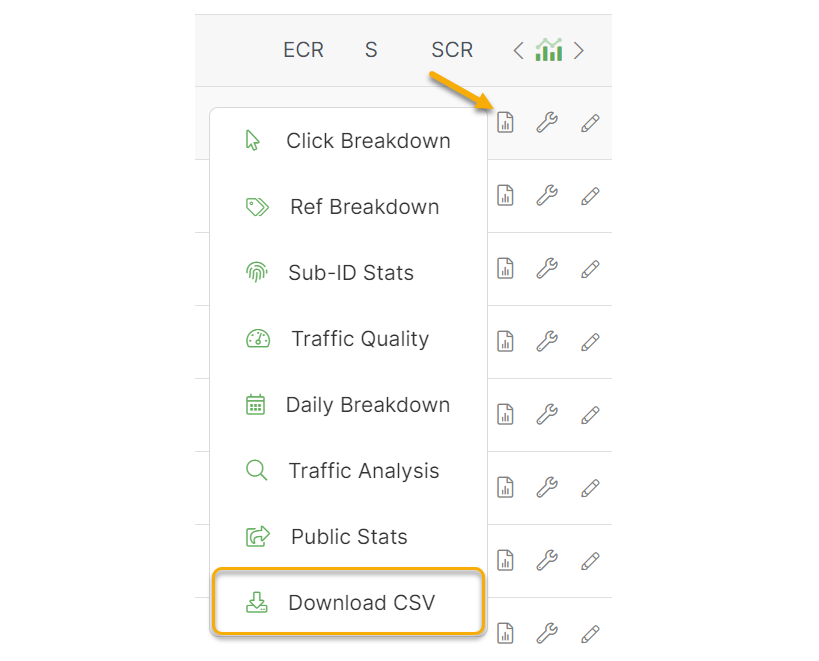
If you prefer, you can also download all of the events for a Smart Link in a single file. To do that, simply click on the Reports Icon for the Smart Link you’re interested in and then select Download CSV.
Article 435 Last updated: 10/15/2025 12:33:09 PM
https://www.clickmagick.com/kb/?article=435