
|
How do I add tracking code or JavaScript to WordPress?
First, you’ll need to install a tracking code plugin such as the popular “Tracking Code Manager.”
With this plugin, you can place your JavaScript code on any page.
1. To install the plugin, you first need to click “Plugins” on the left menu in WordPress.
2. Click “Add New” at the top, and search for “Tracking Code Manager”.
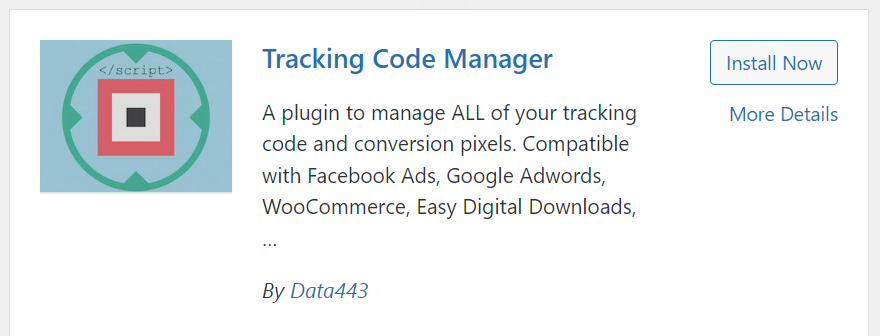
3. Install and activate the plugin, and then go to Settings > Tracking Code Manager.
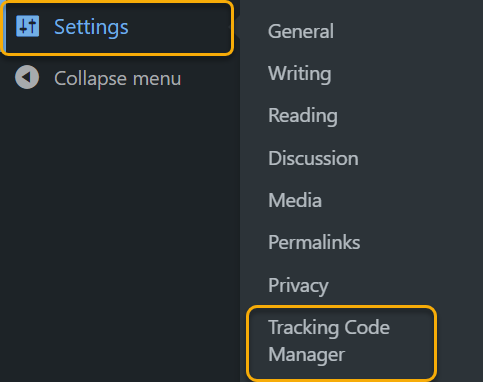
4. Click on “Add New Script”.
Give your script a name, add the tracking code to the box, and choose the correct position – JavaScript Pixel Code goes before
</HEAD>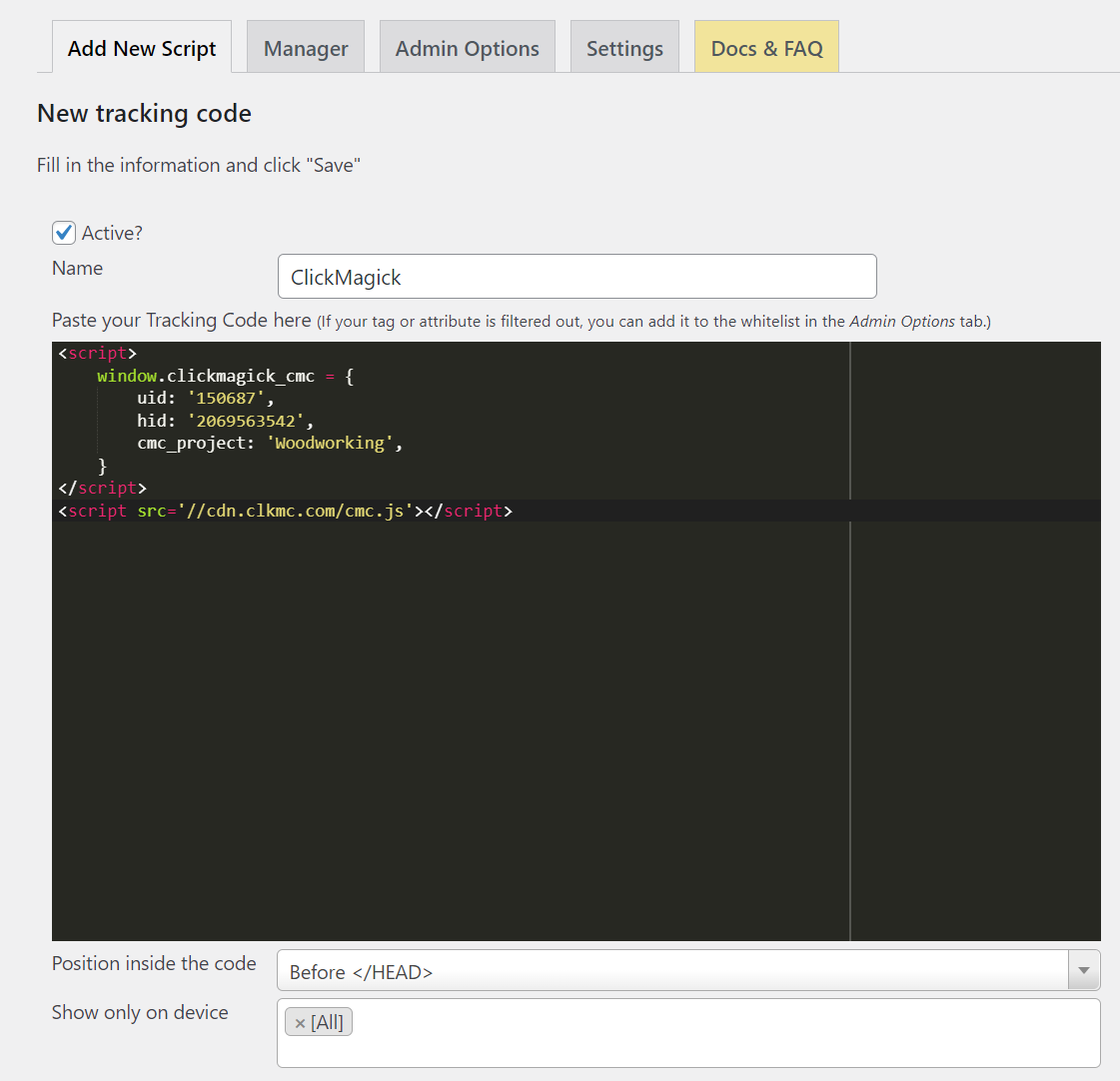
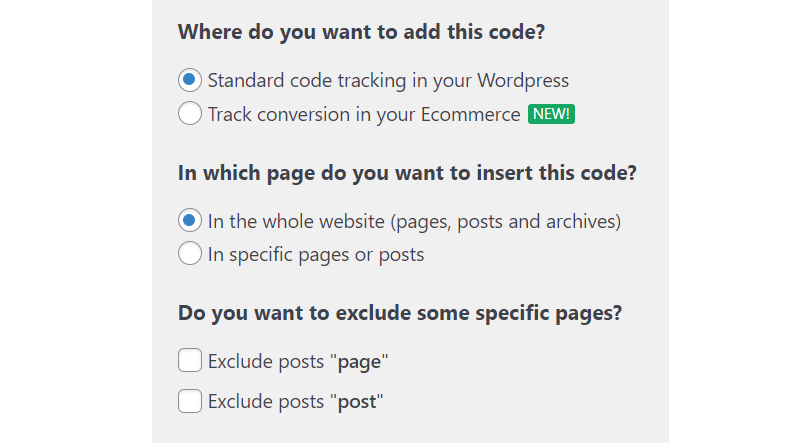
5. Choose the options for this code. For most scenarios, “Standard code tracking” and “In the whole website” are the options you should choose. You have the option of choosing specific pages and even excluding certain pages as well.
Article 593 Last updated: 07/02/2025 12:18:03 AM
https://www.clickmagick.com/kb/?article=593