
|
How do I track Zaxaa sales?
To begin tracking Zaxaa affiliate sales, follow the steps below:
Step 1 - Switch To Affiliate Mode and Click The “Approved Products” tab:

Step 2 - Click “Conversion Scripts” for the products you want to promote:
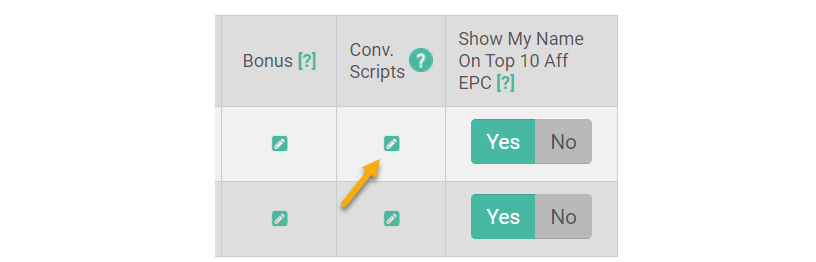
Step 3 - Turn On “Conversion Scripts” by selecting Yes.
To the right where it says “Use Global Settings” click on the green question mark icon to view a prompt:
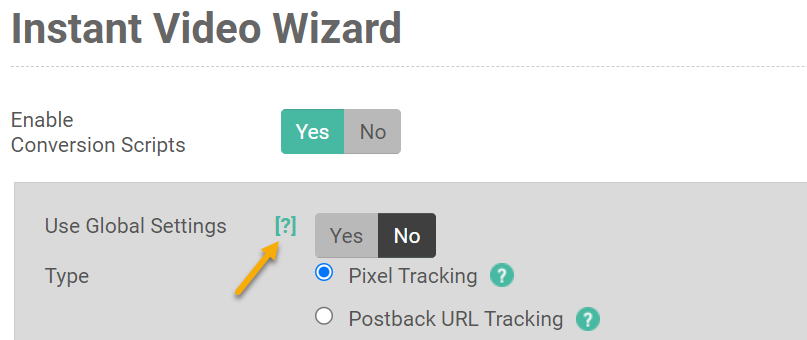
Then, click the link at the end of the prompt to get to the global setting:

Step 4 - Add Your Postback URL
For “Type” select Postback URL Tracking and add your Postback URL below:
https://www.clkmg.com/api/s/post/?uid=[USERID]&s1=[sub_id]&amt=[price]&ref=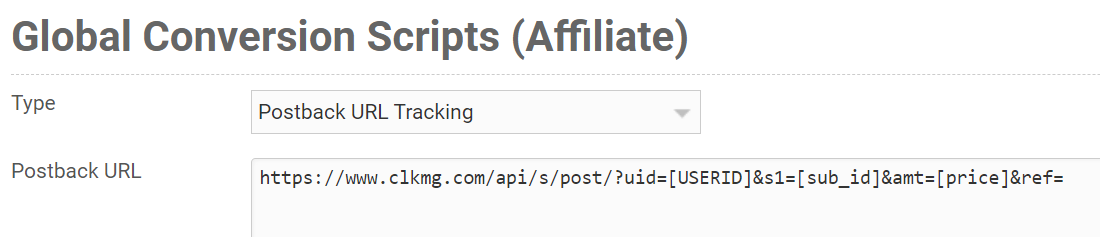
Step 5 – Add the Visitor ID to Your Affiliate Link
From your Project Dashboard, select Tools, then Affiliate Tools, and finally Affiliate Link Builder.
Set the “Network" to Zaxaa, then paste in your Zaxaa affiliate link. Then click on “Update My Affiliate Link”.
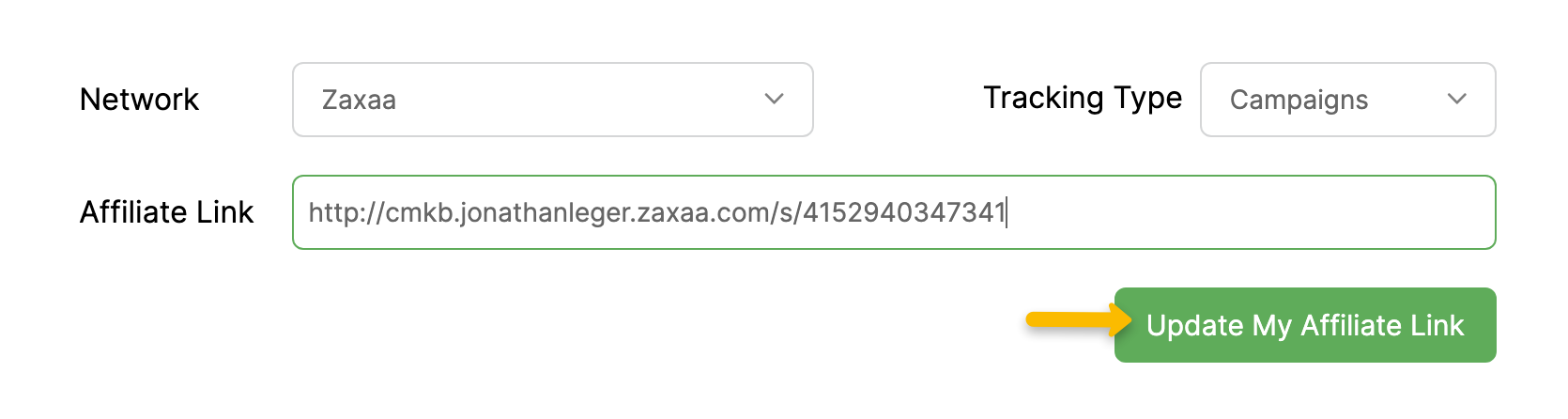
Once you've done that, it’ll give automatically add on the correct
[cmc_vid] parameter that allows you to track sales. Copy this link and use it on your landing pages.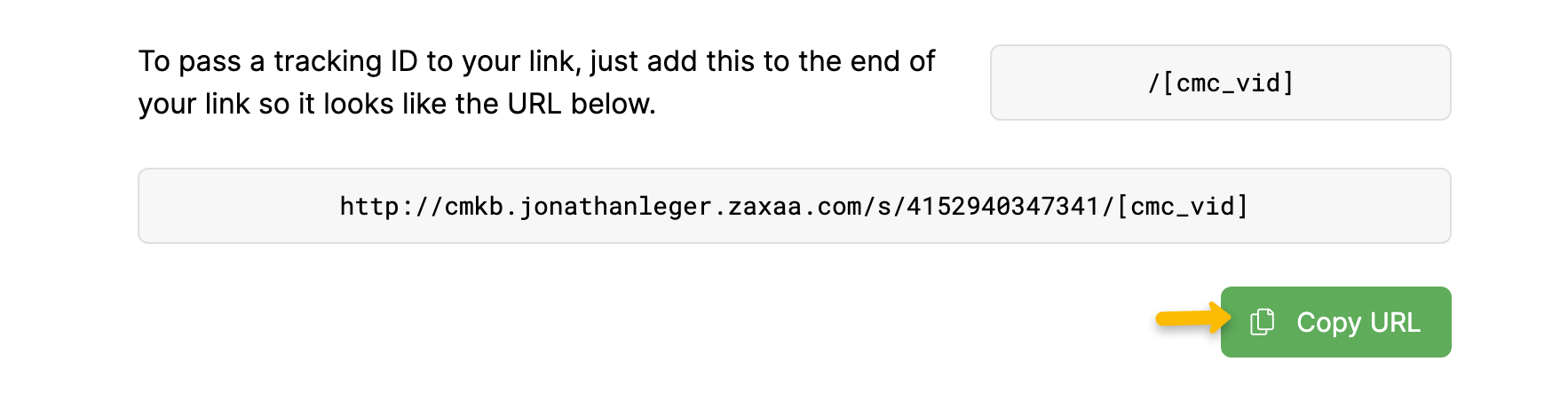
That’s it! When you make sales in Zaxaa, they will automatically be tracked in ClickMagick.
Article 1028 Last updated: 10/16/2025 6:44:27 AM
https://www.clickmagick.com/kb/?article=1028