
|
What should I know if my Wordpress site uses LiteSpeed Cache?
If you are using LiteSpeed Cache on your site, you'll need to add ClickMagick as an exception to your plugin's settings, so that your Click Tracking Code and Conversion Tracking Code work correctly.
To do that, follow the steps below:
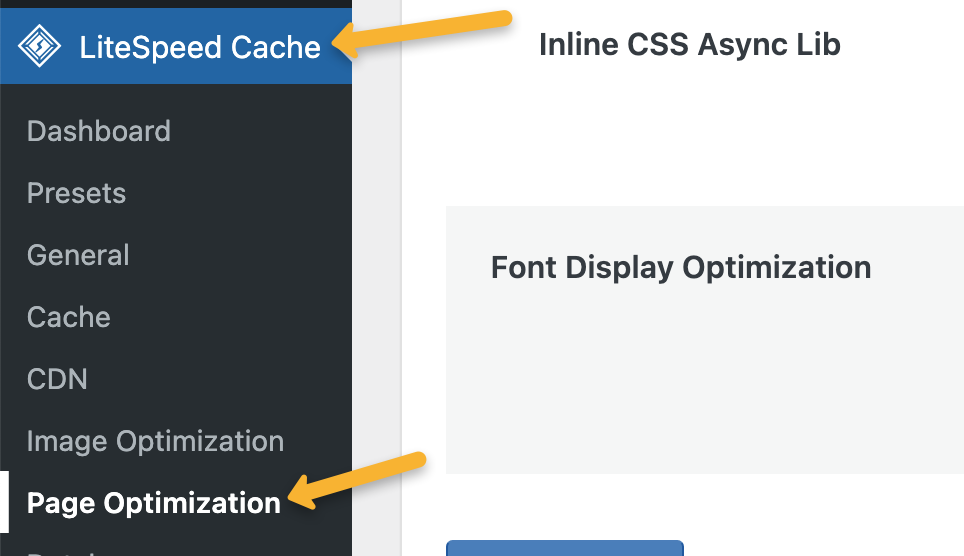
1. In your WordPress dashboard, go to “LiteSpeed Cache”, then “Page Optimization”.
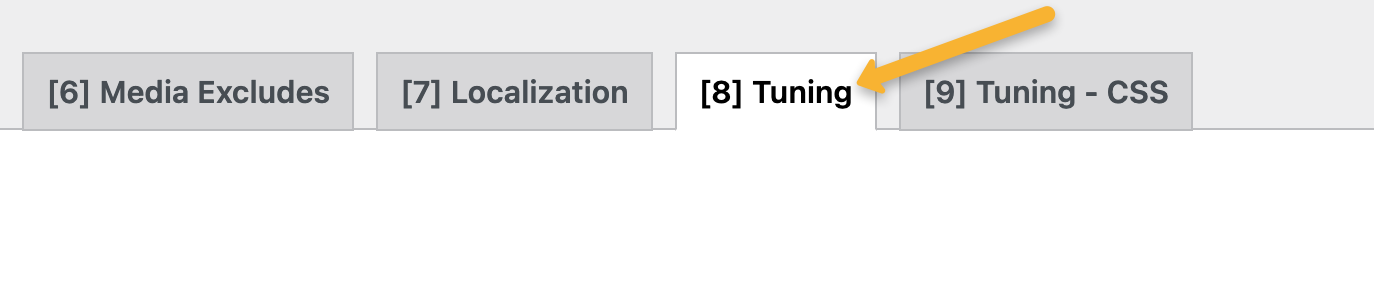
2. Go to the “[8] Tuning” tab.
3. Copy the following exceptions:
[CODE-DOMAIN]
clickmagick
[CODE-FILENAME].js
clickmagick
[CODE-FILENAME].js
4. Paste the exceptions you copied above into the “JS Excludes” and “JS Deferred / Delayed Excludes” boxes.


5. Click on the “Save Changes” button.
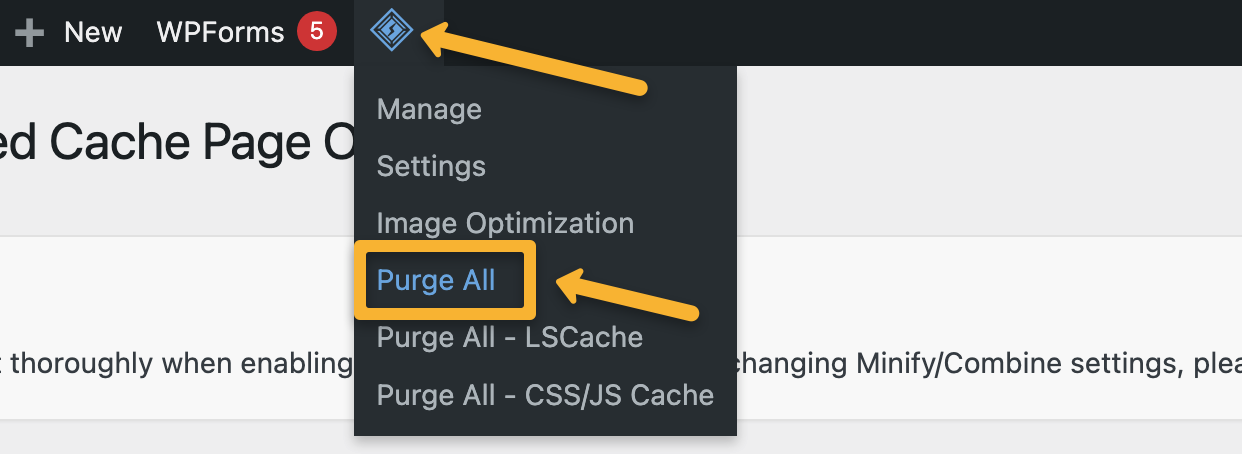
6. Hover over the LiteSpeed icon at the top of your Wordpress dashboard, then click on “Purge All”. This will clear the cache and update your pages.
That’s it! Your ClickMagick tracking codes will now function correctly on your site.
Note: Even after tweaking your settings as described above, the alert you see in ClickMagick will remain to always remind you about this important requirement when using LiteSpeed on any of your websites. Once you’ve made the change above you can safely ignore the alert and continue.
Article 933 Last updated: 04/28/2025 11:07:43 AM
https://www.clickmagick.com/kb/?article=933