
|
How do I add tracking code or JavaScript to Webflow?
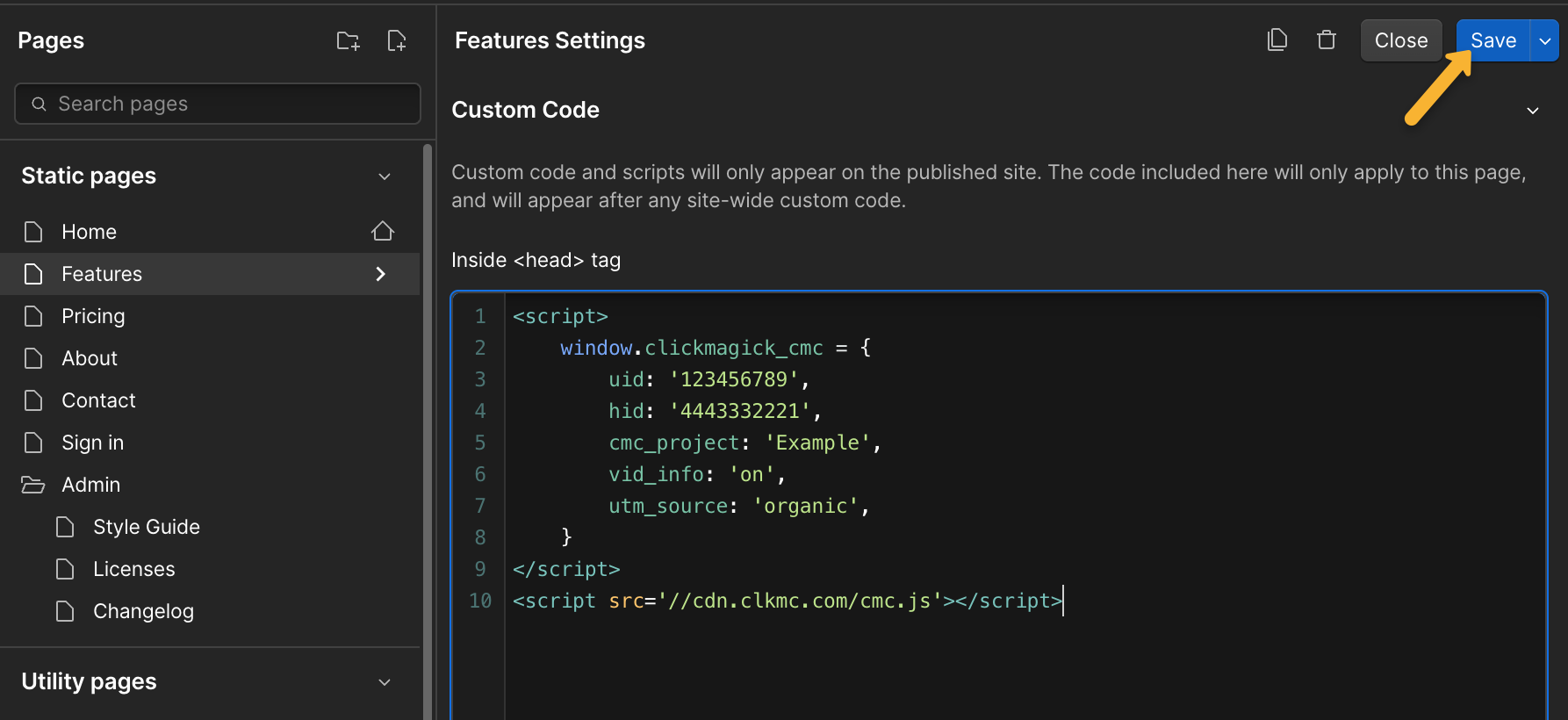
Here’s how to add your tracking code in Webflow …
1. In Webflow, click the “Pages” icon, then select the gear icon next to the page you want to add code to.

2. Scroll down to the “Custom Code” section, paste your tracking code in the <head> box, then hit “Save”.
Article 983 Last updated: 04/28/2025 12:29:10 PM
https://www.clickmagick.com/kb/?article=983