
|
How do I add tracking code or JavaScript to LeadPages?
Here’s how to add your tracking code to a LeadPages page ...
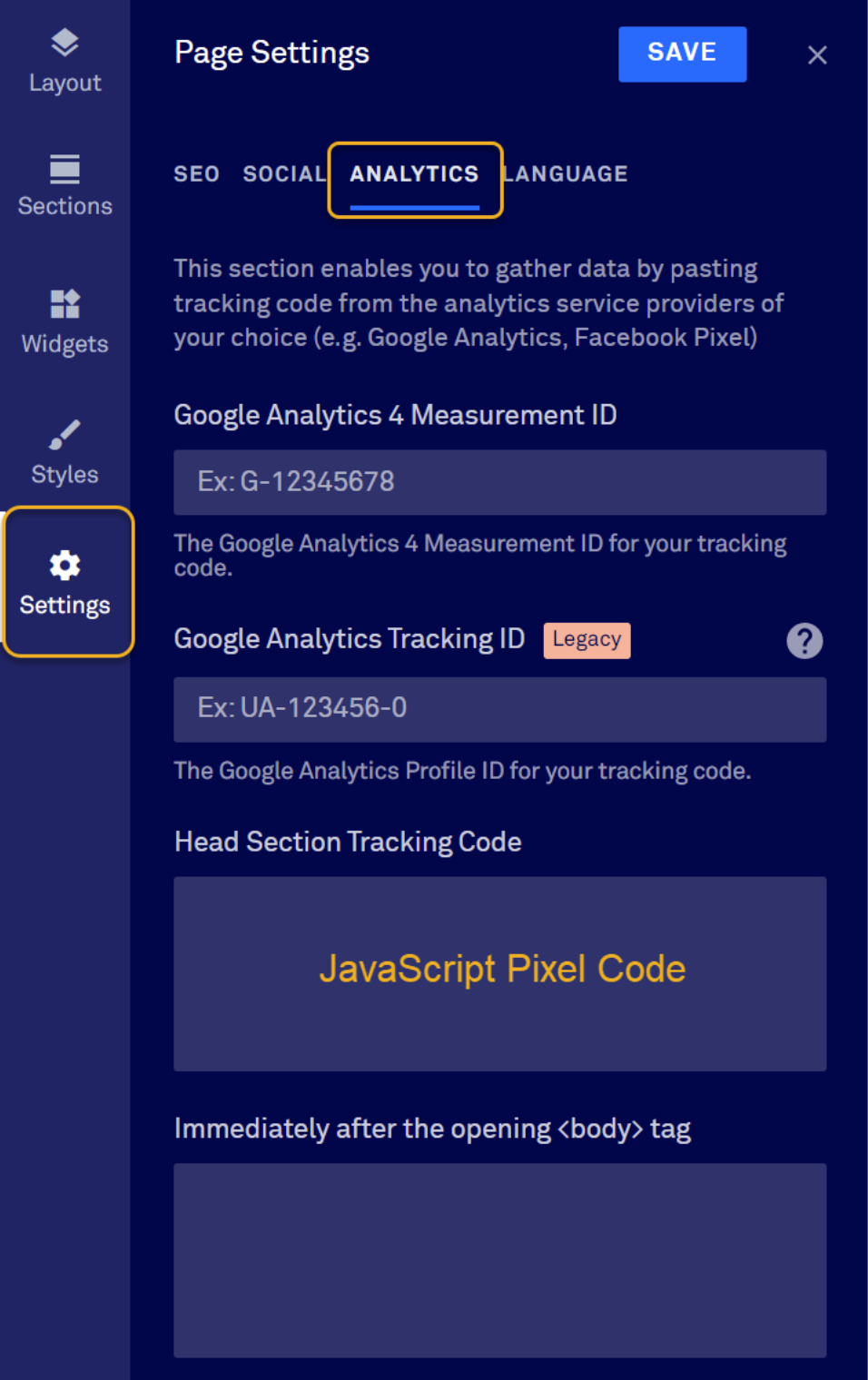
1. Select “Settings” on the left.
2. Select “Analytics” at the top of the page settings window.
3. The JavaScript Pixel Code goes into the “Header” section.
Article 591 Last updated: 07/01/2025 11:59:02 PM
https://www.clickmagick.com/kb/?article=591